
See exactly where people click.
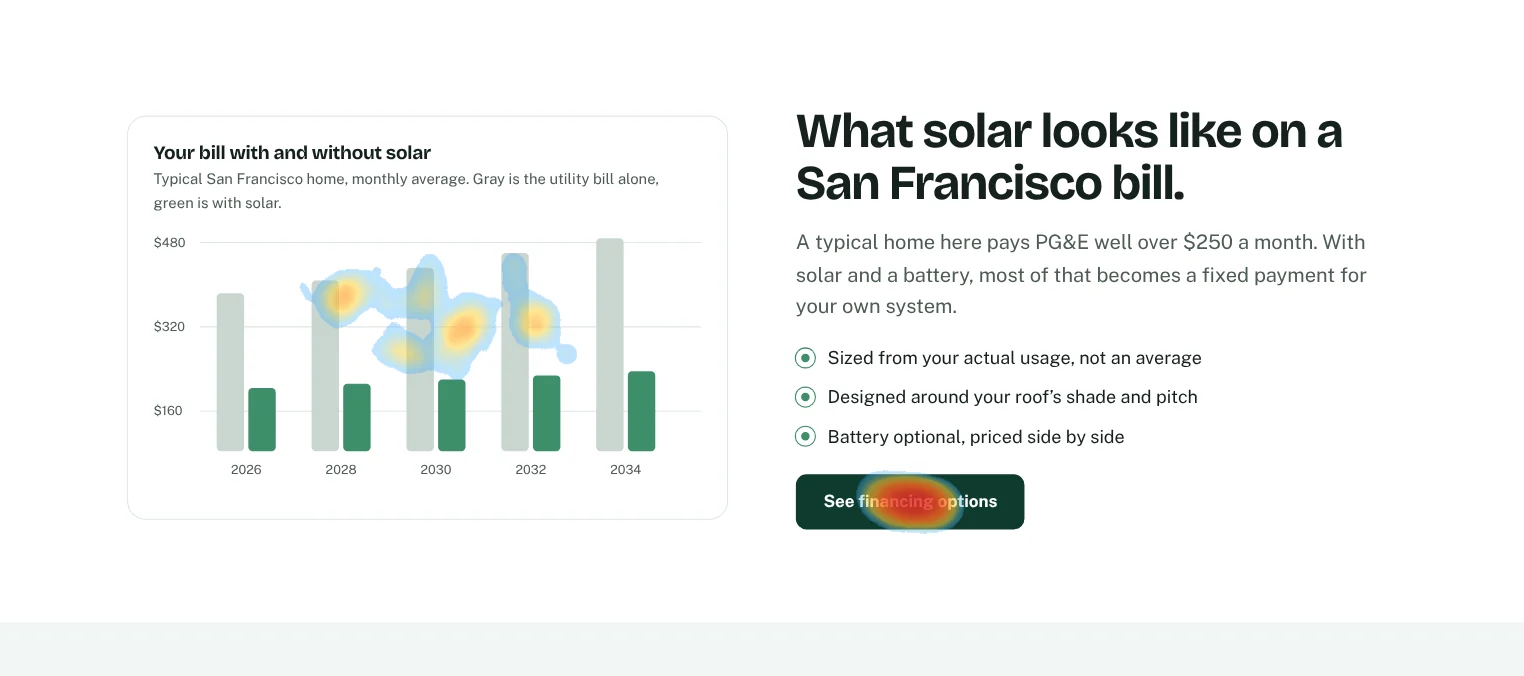
A heatmap for every page on your site, built from real visits. Spot the buttons people miss and the images they think are links.
What you get
Every page, automatically
No setup per page. Heatmaps start building the moment the snippet is on your site.
Desktop, tablet and phone
Switch devices to see how behavior changes. Phone visitors often miss what desktop visitors find.
Scroll depth
See how far down the page people get, so you know whether anyone reaches your call to action.
Dead clicks marked
Clicks on things that don’t respond are flagged, so you can make them work or make them look less clickable.
Your real page underneath
The heatmap draws over your live page, not a stale screenshot, so it stays accurate after you edit.
Filter by traffic source
Compare how visitors from Google behave against visitors from an ad or an email.
Questions
Do heatmaps slow my site down?
No. The script is about 3 KB and loads after your page. Heatmap drawing only happens inside your Plainview dashboard.
How many visits do I need?
Patterns usually show up after a few hundred visits to a page. Plainview hides spots with too few clicks so you aren’t reading noise.
Do you record sessions?
No. Plainview counts where clicks land and how far people scroll. It doesn’t record what individual people type or do.